PaniCPacker
A downloadable tool for Windows and macOS
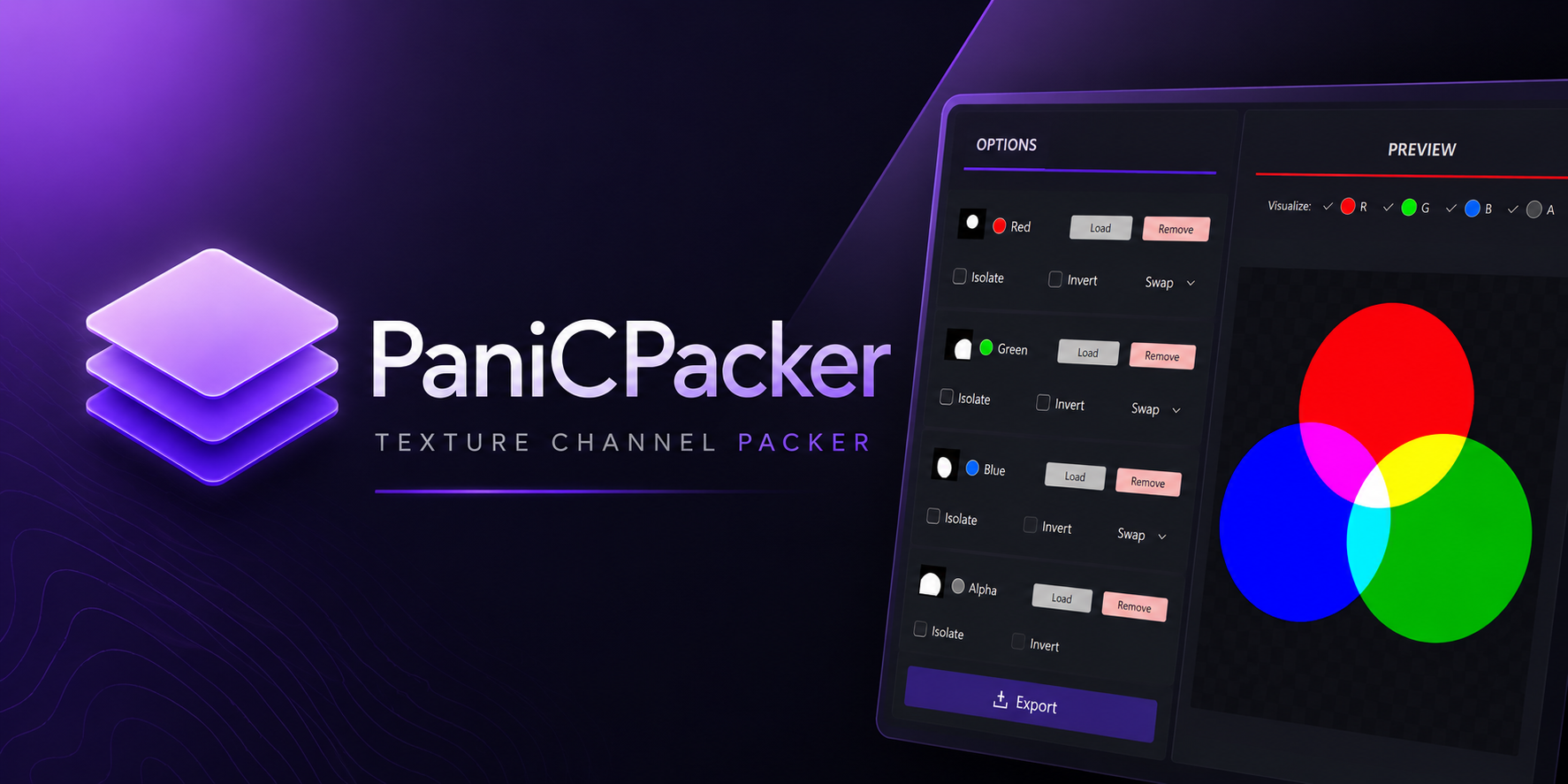
PaniCPacker is a lightweight desktop tool designed for Technical Artists, Game Developers, and anyone working with packed texture workflows.
Quickly inspect, modify, and repack texture channels without opening a full image editor.
Features
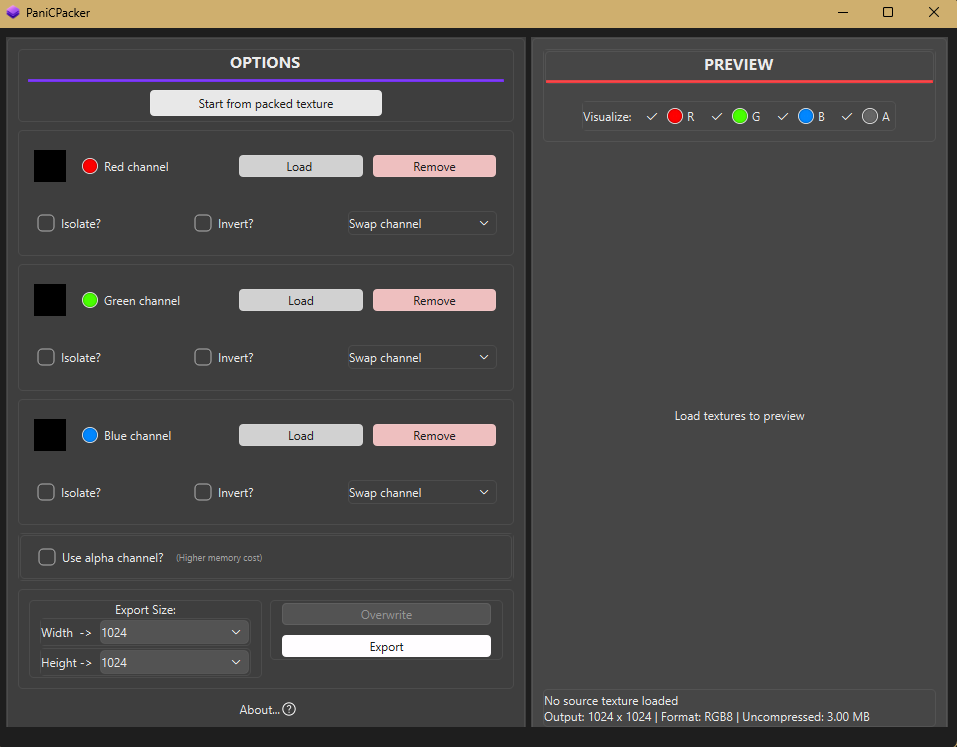
- Load RGB and RGBA textures.
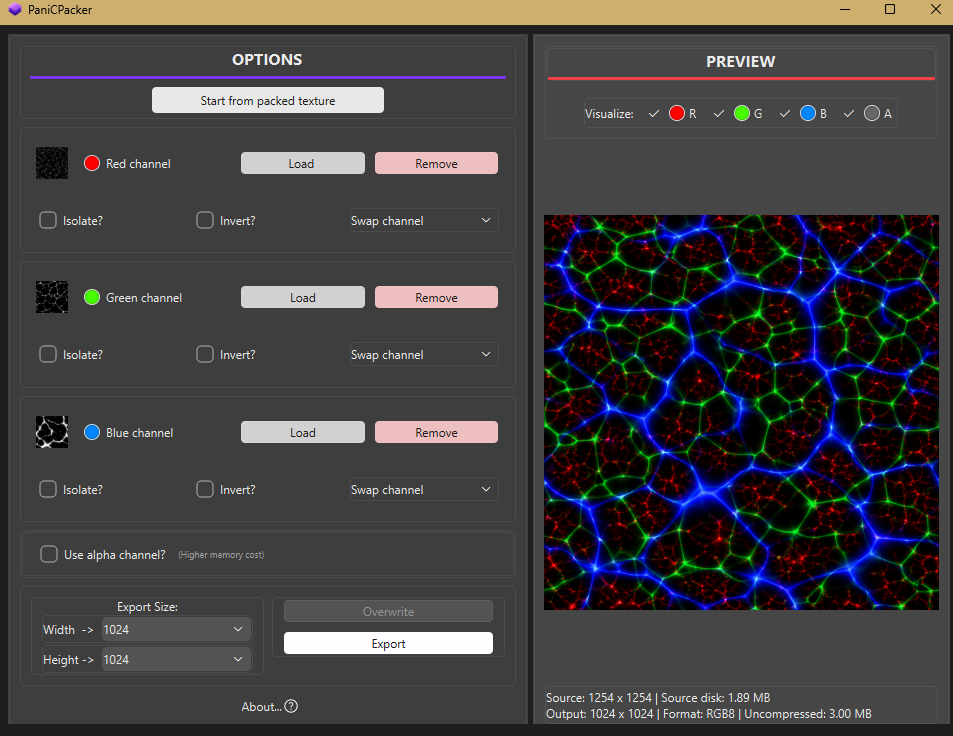
- Pack and rearrange texture channels.
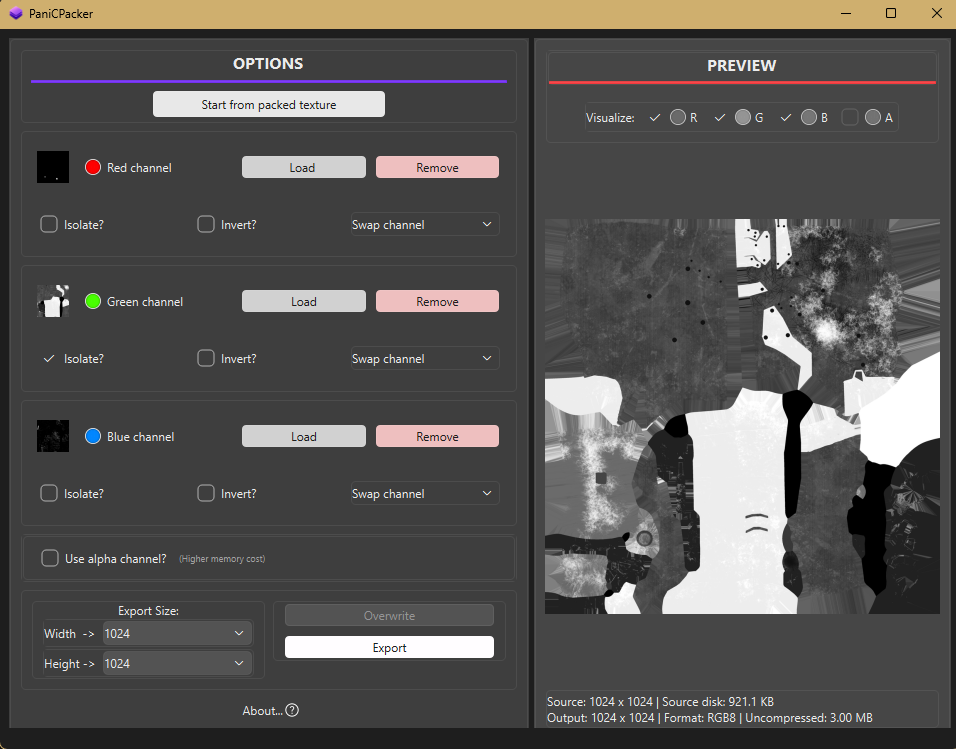
- Isolate individual channels for inspection.
- Invert channels.
- Enable or disable individual channels in the preview.
- Real-time packed texture preview.
- Support for power-of-two output resolutions.
- Estimate texture memory usage, both compressed and uncompressed.
- Export or overwrite textures.
- Responsive desktop interface.
Use Cases
PaniCPacker can be used for common workflows such as:
- ORM
- RMA
- MRA
- Mask Maps
- Custom packed textures
- Material texture preparation
Designed to fit easily into workflows for Unreal Engine, Unity, Godot, and custom game engines.
Why PaniCPacker?
Texture channel packing is a simple but repetitive task in game development. PaniCPacker focuses specifically on this workflow, making it easier to inspect your textures, rearrange channels, validate the result, and export them without unnecessary steps.
Built as a practical tool for game development and Technical Art workflows.
Download
Install instructions
Windows Installation
- Download and run PaniCPacker-Setup.exe.
- Select the installation folder and click Next.
- Choose whether to create a desktop shortcut.
- Click Install and launch PaniCPacker.
macOS Installation
- Download and open PaniCPacker.dmg.
- Drag PaniCPacker.app to Applications.
- Launch PaniCPacker.
First launch: If macOS blocks the app, go to System Settings → Privacy & Security → Open Anyway, then confirm with Open.

Leave a comment
Log in with itch.io to leave a comment.